 BiroPS NextGen
The thinking behind the program
Practical reporting improvement starts with understanding the work.
Excel, Power BI, and AI are useful when they solve a real problem. The Smart Reporting Transformation Program is organised around that principle: understand the reporting task, map the process, apply relevant techniques, test the result, and practise transferring the workflow into regular use.
Book a Reporting Workflow Clarity Call
 ChatGPT
 Claude
 Gemini
 Microsoft Copilot
 AI assist
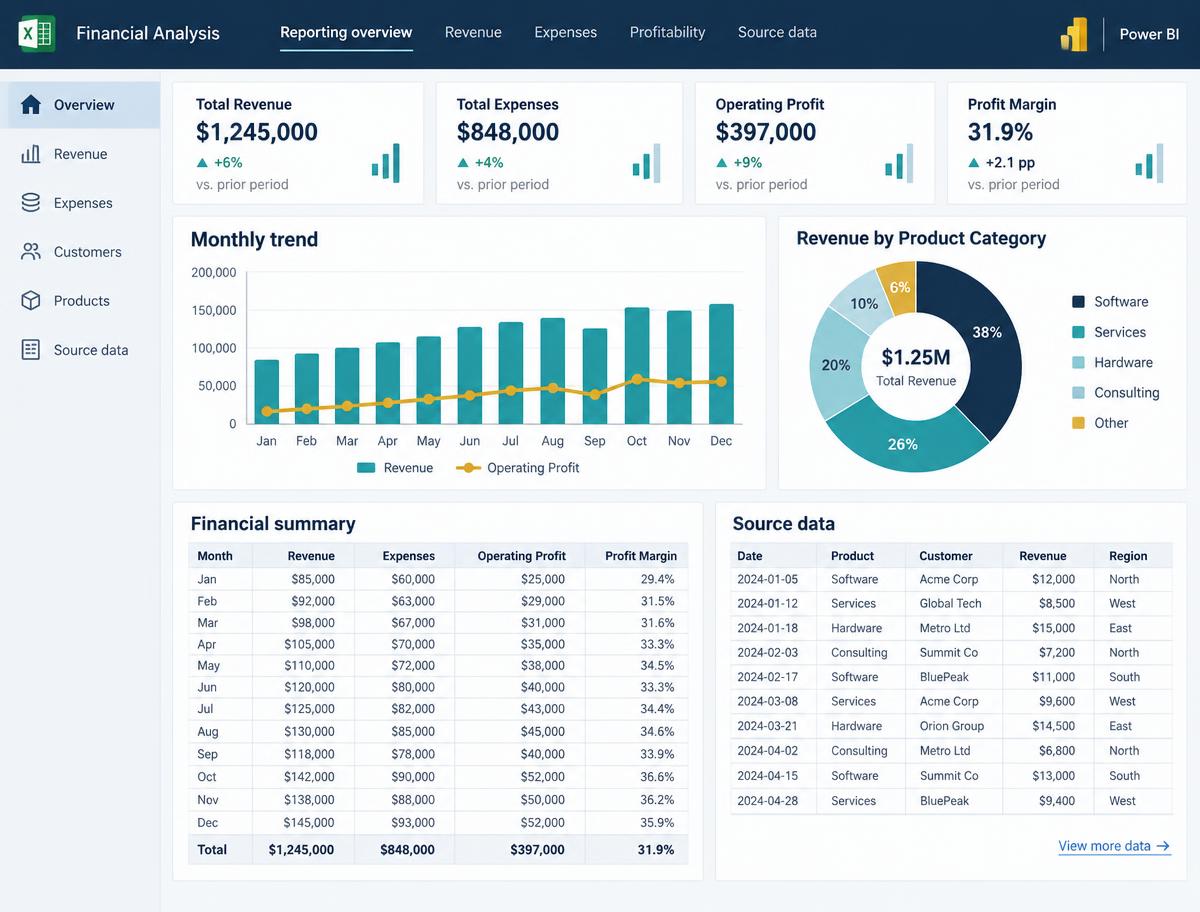
Cloud & workflow automation
Behind BiroPS NextGen
A practical approach to everyday reporting.
BiroPS NextGen brings together Excel, Power BI, and AI with a focus on the real reporting tasks professionals handle every day.
The Smart Reporting Transformation Program connects structured learning with guided implementation, review, and practice on a recurring workflow.
Book a Reporting Workflow Clarity CallTools matter. How you apply them matters more.
Reporting challenges rarely begin with a software feature. They begin with a task that must be repeated, information that must be handled, and an output that must be prepared and checked.
A practical approach starts by understanding those requirements before selecting a technique.
The S.M.A.R.T. Reporting Method provides a structure for this work: Study, Map, Automate, Report, Test and Transfer.
- S
Stage 1
Study
Understand the recurring report, its purpose, its inputs, and the challenges in the current process.
- M
Stage 2
Map
Lay out the existing steps so that the workflow and its dependencies become clearer.
- A
Stage 3
Automate
Identify suitable repetitive tasks and apply relevant Excel, Power BI, or AI techniques where appropriate.
- R
Stage 4
Report
Build or improve the reporting output using a suitable structure, dashboard, or presentation.
- T
Stage 5
Test
Use checks and structured review to examine the workflow and its output.
- T
Stage 6
Transfer
Document the process and practise how to reuse the improved workflow.
Built around practical work.
Start with the real task
Choose a recurring reporting workflow rather than learning a tool without a clear application.
Use suitable techniques
Apply Excel, Power BI, and AI where they fit the workflow, the data, and the working environment.
Practise implementation
Connect learning with structured practice, guided automation, and review.
Make the process reusable
Use error-checking, documentation, and transfer practice to support future use of the improved workflow.
Structured learning with an implementation focus.
The Smart Reporting Transformation Program brings together practical resources, guided reporting automation, dashboard and presentation practice, error-checking, and implementation support over eight weeks.
BiroPS WorkSmart Inner Circle is the associated community name. Any additional community features, access arrangements, or ongoing benefits must be confirmed before they are advertised.
For professionals who want to make everyday reporting more manageable.
This approach is intended for accounts, finance, and MIS professionals who understand their responsibilities and want to improve how recurring reports are prepared.
It is particularly relevant when the next step is not more theory, but a clearer process, an appropriate digital technique, and guided practice on an actual reporting task.
Bring one reporting challenge to the conversation.
Share the recurring reporting task you would like to improve. The clarity call enquiry is an opportunity to discuss your needs and the suitability of the program.
Book a Reporting Workflow Clarity Call